Insight

Thinking about switching from Chatbase or comparing options as your support volume grows? You are not alone. Chatbase is popular because it lets you train a website chatbot on your docs or URLs and deploy it fast.
In this guide, I will quickly outline what Chatbase is and where it shines, why teams look for alternatives, and then compare the top Chatbase alternatives for AI customer support in 2026. This isn’t just a trend piece, Gartner survey found 91% of customer service leaders feel pressure to implement AI in 2026, so picking the right platform matters.
What is Chatbase?
Chatbase is a no-code AI support agent builder. Where you upload your docs or add URLs, and it trains a chatbot that can answer customer questions on your website in minutes. Chatbase’s own quick-start guide positions it as a way to create, train, and deploy your first AI Agent in under a few minutes.
Chatbase Features
Chatbase is built for turning your existing knowledge into an AI support agent quickly. Here are the core capabilities most teams use first:
Multiple data sources: You can upload documents, add text snippets, crawl a website or sitemap, create custom Q&As, connect Notion, and even import support tickets.
Helpdesk handoff: If the AI needs a human, Chatbase can create a Zendesk ticket automatically, including a summary and conversation context so your support team doesn’t start from scratch.
Fast website deployment: You can embed the agent as a website widget so customers can ask questions right where they are stuck.
Positive and Negative Chatbase Reviews (REAL Customer Feedback)
After reading tens of reviews on third party review sites like G2, Capterra, Trustpilot, and other platforms, I have noticed that people have mixed reviews about the tool . Like any software, Chatbase has its strengths but it also comes with trade offs that may not work for every practice. Here is what people are saying:
Note: All the reviews are from 2026.
✅ Positive Feedback
Less customizability. If you were to code this from scratch, which I have done, you could alter the prompts to better fit your needs. This however isnt a problem for most applications. - Source (G2)
❌ Negative Feedback
It can be challenging to customize dashboards and reports to fit specific needs. - Source (G2)
Worst experience, crapy software, irresponsive customer service and unethical policies. - Source (Capterra)
Why People Look for Chatbase Alternatives
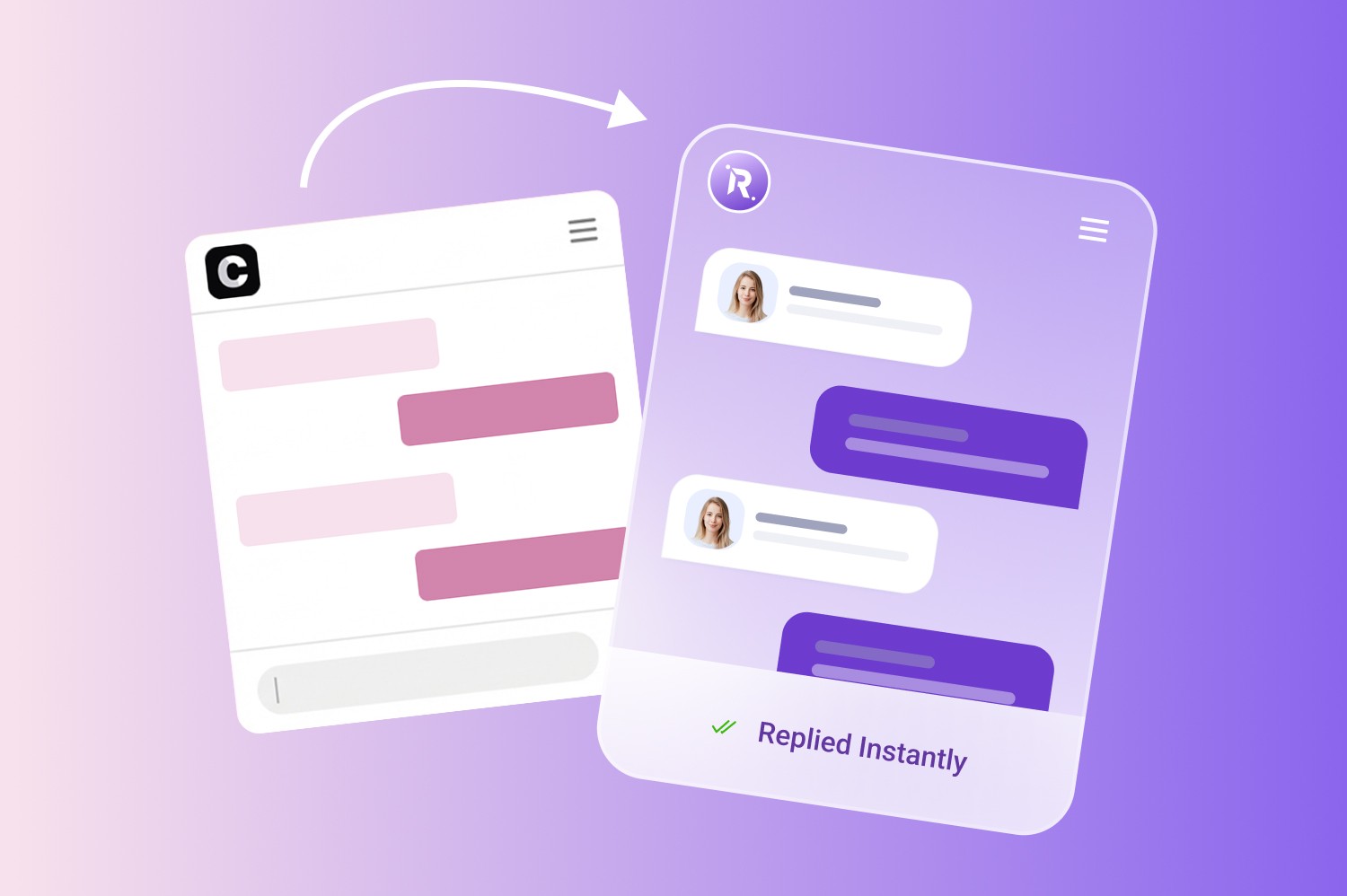
Chatbase is a good option if you want a quick answer bot trained on your docs. But many teams start looking for alternatives when they need an AI support agent that can do more than answer FAQs, handle customer conversations, capture leads and support day to day business operations.
Here are the most common reasons teams move beyond Chatbase:
They need helpdesk-native workflows, not just chat.
They want the bot to take actions, not only answer.
Omnichannel becomes non-negotiable.
They need stronger trust controls to reduce hallucinations.
They want clearer analytics and ROI.
Side-by-Side Comparison of Chatbase Alternatives in 2026
Platform | Best for | Channels | Helpdesk | Automation depth | Trust & controls | Best next step |
Meetraya | Teams that want Chatbase style speed, but more support oriented platform | Web chat | Integrations-focused | Answer -> workflows | Guardrails + reporting | Short pilot on top 20 intents |
Intercom Fin | SaaS teams already on Intercom | Chat + Intercom inbox | Native Intercom | Workflows + strong handoff | Strong tooling + reporting | If you live in Intercom |
Zendesk AI | Zendesk-based support orgs | Chat + Zendesk channels | Native Zendesk | Workflows + routing | Mature ops controls | If Zendesk is your system of record |
Ada | Enterprise automation + omnichannel | Omnichannel | Deep enterprise fit | Workflows at scale | Governance-heavy | If you need enterprise control |
Forethought | Ticket-heavy support + agent assist | Email/tickets + chat | Helpdesk-centric | Ticket automation + assist | Analytics + ops focus | If email is your main volume |
Freshdesk/Freshchat (Freddy) | Freshworks customers | Chat + Freshworks | Native Freshworks | Workflows + assist | Bundled controls | If you want one vendor bundle |
Gorgias AI | Shopify/ecom “actions” | Ecom channels | Shopify-first | Actions (orders/returns) | Practical, commerce-driven | If you need order workflows |
Help Scout AI | Smaller teams, email-first | Email + chat | Help Scout native | Light workflows | Simple, safe ops | If you want simplicity + docs |
Crisp | SMBs wanting omnichannel inbox | Omnichannel inbox | Lightweight integrations | Light → mid workflows | Good basics | If you want chat + inbox |
Top 9 ChatBase Alternatives in 2026
1. MeetRaya | MeetRaya vs Chatbase
What it does:
MeetRaya is an AI customer support agent you train on your website or FAQ docs so it can answer customer questions 24/7 via a website widget. The tool positioned itself as a very easy to setup, fast, then let it run.
Best for:
Small businesses, owners and teams that are tired of answering the same questions and want quick deflection without heavy setup.
Key features:
Fast setup: add a website URL / FAQ docs, test responses, then embed the widget with a snippet.
Test and fine-tune editing: you can chat with Raya and adjust responses by telling it what to change.
Brand voice with styling controls: tone/voice alignment plus custom colors/fonts/layout.
Conversational lead capture: can be trained to ask for name/contact/context during chats.
Security claims: it’s Encrypted and HIPAA-compliant.
Pros:
Very fast setup and designed for non-technical teams.
Clear, simple and low pricing tiers with defined message credits and agent limits.
Brand controls and retraining without limits on changes.
Cons:
The tool is not built for enterprise users yet.
Pricing:
You can get started with MeetRaya for free. The paid plan starts from $25 per month.
MeetRaya is HIPAA-Compliant AI Support
For healthcare organizations, HIPAA compliance is critical. Unlike generic AI chat tools, MeetRaya is designed to help healthcare teams automate support while protecting sensitive patient information.
This matters for clinics, telehealth companies, and medical practices handling appointment requests, insurance questions, and other patient conversations.
It’s important to note that Chatbase is not currently HIPAA compliant.

2. Intercom Fin | Intercom Fin vs Chatbase
What it does:
Fin is Intercom’s AI customer support agent that answers questions and can handle more complex issues across multiple support channels, with handoff into Intercom’s inbox/helpdesk when needed. Intercom positions Fin as available across chat, email and other channels with controls around the content it learns from.
Best for:
SaaS teams that want an AI agent tightly integrated with a modern support inbox
Key features:
Content library: Fin can learn from Help Center articles, internal support content, PDFs, and webpages, managed in a centralized content library.
Audience targeting: ability to target content based on attributes like plan, location, brand, etc.
Usage controls: you can set usage reminders and hard limits; pricing applies to Fin outcomes over chat and email.
Works as part of Intercom’s AI-first customer service suite.
Pros:
Deeply integrated into Intercom’s inbox/workflows.
Strong knowledge controls.
Outcome based pricing is predictable for ROI conversations.
Cons:
If you are not already on Intercom, switching ecosystems can be a bigger project than drop-in widget.
Cost can scale with usage because outcomes are billed.
Pricing:
The plan starts from $39 per month.
REAL Customer Feedback:
My experience with Fin by Intercom was pretty terrible. It led me down at least one rabbit hole that was clearly incorrect, leaving a bad review on the App Store to complain about my bug. I have a trust issue with it since it led me down the wrong path. I don’t find anything about it to be helpful at this point and it’s scared me away from ever wanting to use it with my own customers. - Source (G2)
The performance is very poor. The price for such a performance is crazy high. - Source (G2)
Zendesk AI Agents | Zendesk AI Agents vs Chatbase
What it does:
Zendesk AI Agents are generative AI bots built inside Zendesk that can automate customer conversations across channels like messaging, email, web forms, and API, and resolve requests using your knowledge base. Zendesk has shifted to an outcome-based model where the key unit is “automated resolutions” (you pay when the AI resolves an issue without escalating to a human).
Best for:
Teams already running support on Zendesk that want AI inside the same workflows (routing, tickets, reporting) instead of a separate website widget.
Key features:
AI agents across channels: create AI agents for messaging, email, API, and web forms.
Outcome-based automation: automated resolutions are verified and used for usage/billing (designed to reflect “true automation,” not just chats).
Included baseline + controls: Zendesk plans include a baseline number of automated resolutions, and you can pause AI agents when you reach limits to avoid overage.
Built into Zendesk CX stack: fits alongside Zendesk’s omnichannel case management and agent tooling.
Pros:
Best fit if Zendesk is your support backbone.
Clear pay for results concept via automated resolutions.
Channels supported include messaging, email, API, web forms.
Cons:
If you are not on Zendesk, you don’t get the full advantage.
You will want to monitor automated resolution usage carefully to avoid surprise scaling costs.
Pricing:
Starts from $19 per agent/ month. It ll bill annually.
REAL Customer Feedback:
Sadly, Im finding that Zendesk is pushing users to more AI, which our company is against, so the more they force it on users, the les we use Zendesk. Not only are we trying to avoid AI, I often find that many of the "cool new features" are either only available to Enterprise customers (the HIGHEST paid plan), or they just don't pertain to our small team. That or they are AI-based features, which, again, we won't use, nor do we want to get charged for them the way that Zendesk is charging for each use of an AI response, whether it helps or not. So sadly, while we'll continue to Zendesk, as there aren't many great alternatives, an who wants to go through the pain of making that massive change, I am no longer joining their online events on their big event of the year, Relate, since its all related to AI... so they are slowly loosing us. - Source (G2)

4. Ada | Ada vs Chatbase
What it does:
Ada is an AI customer service automation platform built to resolve support conversations at scale across channels (not just website chat). Ada positions its AI agent as being able to “autonomously resolve” a large share of support issues and emphasizes enterprise-grade control and security.
Best for:
Mid-market to enterprise support teams that want automation across multiple channels (web + mobile + social + SMS/email) with strong governance.
Key features:
Omnichannel automation: Ada supports deploying chat experiences across third-party channels and not just your website.
Enterprise controls: positioned around control, transparency, and security—plus coaching and performance tracking.
AI for email: Ada’s G2 summary highlights AI messaging and AI email capabilities
Pros:
Strong enterprise positioning: omnichannel automation plus governance emphasis.
Useful for orgs that need more than doc Q&A, including complex flows across channels.
Ada publishes thoughtful guidance on AI agent pricing models.
Cons:
Typically custom/enterprise pricing that can be heavier than Chatbase style tools for small teams.
Implementation tends to be more program than widget so time to value may be longer than lightweight alternatives.
Pricing:
N/A
REAL Customer Feedback:
After building out our instance we found out that Ada does not support all of the feature sets that it advertised just because we do not not use Salesforce or Zendesk. Even our implementation team was surprised by this. Something as simple as passing over an image in chat is not supported because we use Kustomer. - Source (G2)
Forethought | Forethought vs Chatbase
What it does:
Forethought is an AI platform for customer support that focuses on automating the full support lifecycle - helping teams resolve repetitive questions, triage and route tickets, and assist agents with suggested responses and knowledge.
Best for:
Support teams with serious ticket volume (especially email/ticket-heavy orgs) who want AI to do more than answer FAQs.
Key features:
Automated ticket tagging/routing with resolution suggestions.
AI agents from insights to resolution positioning i.e not just chat answers, but identifying gaps and improving support performance.
Proof-of-concept emphasis.
Pros:
Strong for ticket-heavy support ops.
Well-suited to orgs trying to reduce handle time and improve routing quality.
Review footprint and feedback available on major platforms.
Cons:
Pricing is not transparent so it is harder to estimate without discovery.
If you only need a simple website Q&A bot, Forethought may be more platform than you need.
Pricing:
N/A
REAL Customer Feedback:
Completely useless. Bots just give out information already available on their customer's sites, even if incorrect. Will not assist me to contact someone. - Source (Trustpilot)

6. Freddy AI | Freddy AI vs Chatbase
What it does:
Freshworks’ Freddy AI adds AI-powered self-service and agent assistance into Freshdesk/Freshchat. Depending on what you enable, it can help with ticket and conversation summarization, suggested replies, article suggestions, auto-triage, and bot-based self-service so agents spend less time rewriting the same responses and more time resolving edge cases.
Best for:
Teams that want an affordable, helpdesk-native AI layer especially if you’re already on Freshdesk/Freshchat/Freshdesk Omni.
Key features:
Freshworks breaks Freddy into three buckets Copilot, Self Service, and Insights with different availability across Freshdesk/Freshchat/Omni:
Copilot: ticket/conversation summarization, draft email generation, rephrase/tone enhancer, article generator, canned response suggestions, sentiment analysis, auto-triage, and more.
Self-service: FAQ/Q & A bots, intent detection for bot flows, suggested answers from solution articles, bot conversation summarization, and bot-dialog tone improvements.
Insights: usage reporting and analytics-type capabilities
Pros:
Great if you are already on Freshworks, AI is integrated into the helpdesk.
Broad agent assist capabilities can boost productivity quickly.
Strong value for SMB and mid-market teams that want one bundled vendor.
Cons:
Freddy features vary by product/plan.
If your stack is not Freshworks-based, this won’t be as plug-and-play as a standalone widget.
Pricing:
N/A
REAL Customer Feedback:
N/A

7. Gorgias AI | Gorgias AI vs Chatbase
Gorgias is an ecommerce-focused helpdesk with an AI Agent that can automate support conversations across email and chat, while staying connected to your store data and CX workflows. On the product side, Gorgias positions it as a Conversational AI for ecommerce that is built to resolve support inquiries and drive conversions.
Best for:
Shopify-first ecommerce brands that want AI to handle high-volume questions like Where’s my order?
Key features:
AI Agent and pricing is tied to resolved conversations.
Omnichannel helpdesk: email, live chat, Facebook, Instagram, TikTok, WhatsApp; SMS/Voice available as add-ons on plans shown.
Deep ecommerce integrations and a unified customer view.
Pros:
Built for ecommerce reality: store context, integrations and omnichannel inbox.
Clear AI billing unit and a published per-resolution price point.
Cons:
Cost can scale quickly if you have high ticket volume and push automation hard.
The best fit is ecommerce only. If you are a B2B SaaS helpdesk team, other tools may fit your workflows better.
Pricing:
Pro package is around $840 per month.
REAL Customer Feedback:
We have been using Gorgias for over a year, and our experience has been extremely frustrating.
If you operate Shopify with a third-party ERP, the integration is unreliable and creates ongoing operational challenges. We have experienced significant syncing issues that directly impact customer experience.
Support has been disappointing. Responses often lack clarity or resolution, and we’ve received explanations that don’t fully address the issue. In one instance, folders were randomly deleted. We were initially told the deletion was done by an admin user (me), but when support reviewed the account, they acknowledged it wasn’t. The ticket was ultimately closed without a clear explanation or resolution, and we are still without closure a month later.
We’ve also encountered instability within the platform itself. Features have appeared and disappeared without warning. We have had folders vanish. Most concerning, the AI/bot has sent incorrect responses to customers, closed tickets without proper replies, or failed to respond entirely—resulting in customer complaints about lack of follow-up.
For a CX platform, reliability and accountability are critical. Unfortunately, our experience has fallen far short of that standard. - Source (Trustpilot)
8. Help Scout AI | Help Scout AI vs Chatbase
What it does:
Help Scout is a customer support platform with AI features to help teams respond faster and keep self-service content useful. It is designed to feel lightweight and human, more like a shared inbox than a heavy ticketing system.
Best for:
Small to mid-size support teams that want a clean shared inbox, knowledge base and AI assistance without the overhead of an enterprise helpdesk.
Key features:
Shared inbox and collision avoidance.
Docs and knowledge base for self-service with article-driven support.
Its AI is positioned around helping agents draft, summarize and improve response quality rather than an enterprise autonomous agent for every workflow.
Pros:
Very approachable for smaller teams: simple UX, shared inbox, solid docs, quick adoption.
Public pricing makes it easier to budget than contact sales tools.
Cons:
If you need a bot that takes lots of authenticated actions or deep omnichannel orchestration, Help Scout may feel lighter than Zendesk/Intercom/Gorgias.
Some reviewers want stronger reporting/automation depth as teams scale.
Pricing:
Its most popular plan is Plus that costs around $54 per user/month.
REAL Customer Feedback:
We've been using Help Scout for a couple of years at the company I work for. It's a decent platform that is, for the most part, user-friendly. One thing I don't like about Helpscout is that they push their personal liberal agendas! This is NOT necessary, and I would appreciate them NOT doing this. They have a captive audience, and we don't need to be subject to their political agendas.
One other issue is that they seem to make random changes that are not necessarily beneficial. It's almost like someone is justifying their job by making changes. - Source (Trustpilot)
9. Crisp | Crisp vs Chatbase
What it does:
Crisp is a customer messaging platform that centralizes conversations into a shared inbox, with AI chatbot capabilities for self-service and automation.
Best for:
Startups and SMBs that want an omnichannel inbox without enterprise overhead.
Key features:
Shared inbox across channels.
AI chatbot and AI agent builder.
Flat-rate workspace model.
Pros:
Strong fit if you need omnichannel messaging with a shared inbox in one place.
Predictable pricing approach .
AI chatbot tooling exists if you want to move beyond basic live chat.
Cons:
If you need deep enterprise helpdesk workflows , you may find richer options in MeetRaya, Zendesk/Intercom/Ada.
Customization tradeoffs come up in reviews .
Pricing:
Its essential plan is around $95 per month per workspace.
REAL Customer Feedback:
The reliability issues with customer replies not being delivered, combined with poor technical support that refused to fix the core functionality without charging an additional 33% fee. The company seems to see essential functions like message delivery as "add-ons" (such as dedicated IP when their standard service doesn't work at all) rather than including something core to the job-to-be-done to the base service. - Source (G2)
Which Chatbase Alternative Is Right for You?
Choosing the right Chatbase alternative depends on how you want to use conversational AI and the level of support your team needs. If you want a fast, no-code website AI agent that’s easy to train on your docs, tools like MeetRaya, DocsBot.ai, or Botsonic are ideal. If you want live chat, inbox and AI in one platform, Tidio or Crisp are strong choices. Help Scout is great for email-first support with AI assistance. Intercom Fin works well for SaaS teams that want AI tightly integrated into support workflows and ecommerce teams will find Gorgias AI’s store-context automation most practical. The best pick balances your automation goals, channels, and budget so you reduce repetitive work without adding unnecessary complexity.
How to Switch from Chatbase to MeetRaya?
Switching from Chatbase to MeetRaya is simple. You don’t need a complex migration process to get started. All you need to do is, bring over the content you already use to answer customer questions such as your website pages, FAQs, help docs or product information. MeetRaya can then be set up as your AI support agent to start handling customer conversations, capturing leads and answering common questions.
You can also contact our team via live chat and we can help you review your current Chatbase setup so the transition feels smooth for your customers.
FAQs related to Chatbase Alternatives
Is Chatbase enough for customer support?
If you mostly need FAQ deflection from docs, yes. If you need ticket workflows, omnichannel, or actions, you will likely outgrow it. You can also consider MeetRaya as a top alternative to it.
What’s the best Chatbase alternative for small teams?
If you want speed with simple pricing, a lightweight website agent like MeetRaya is often the easiest starting point.
Set it up in 10 minutes, no developer needed.